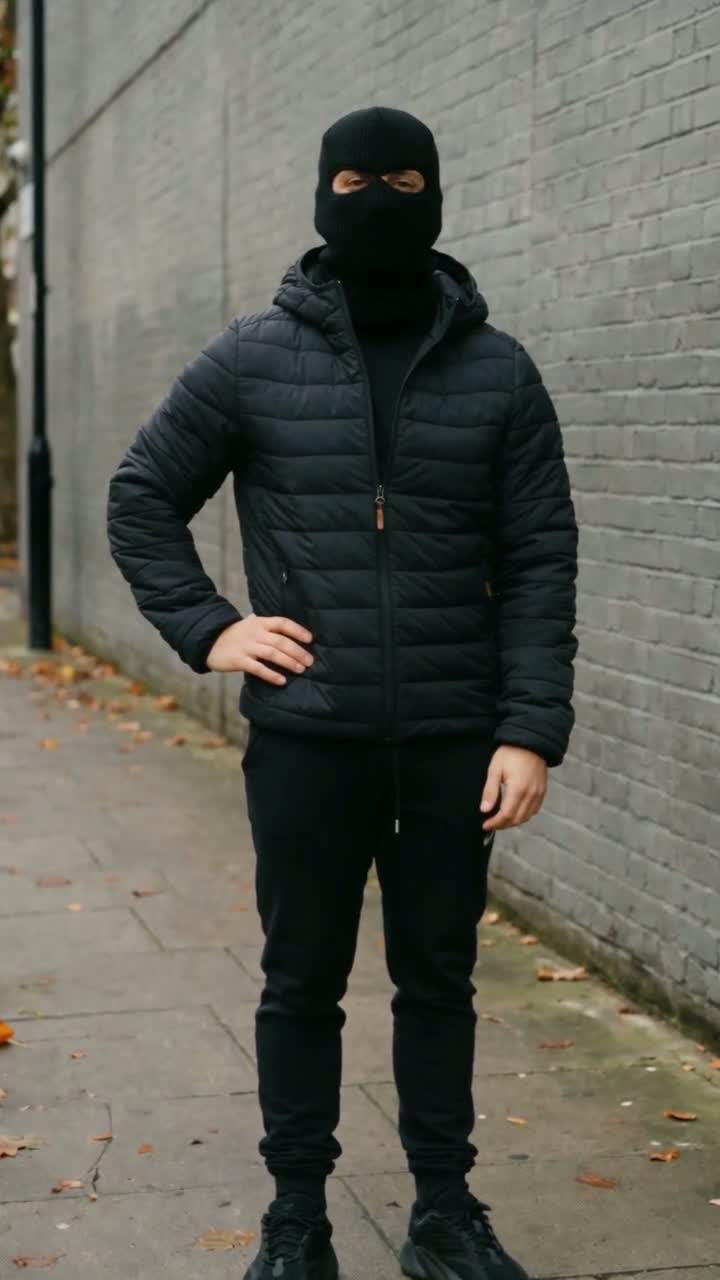
The Mandem notebook
Two-person Mandem in Disguise: upload one portrait for each role
You and a friend do not need a group photo. Our duo templates use two independent portrait uploads, each assigned to one person in the reference. Getting that assignment right is more useful than writing a longer prompt.
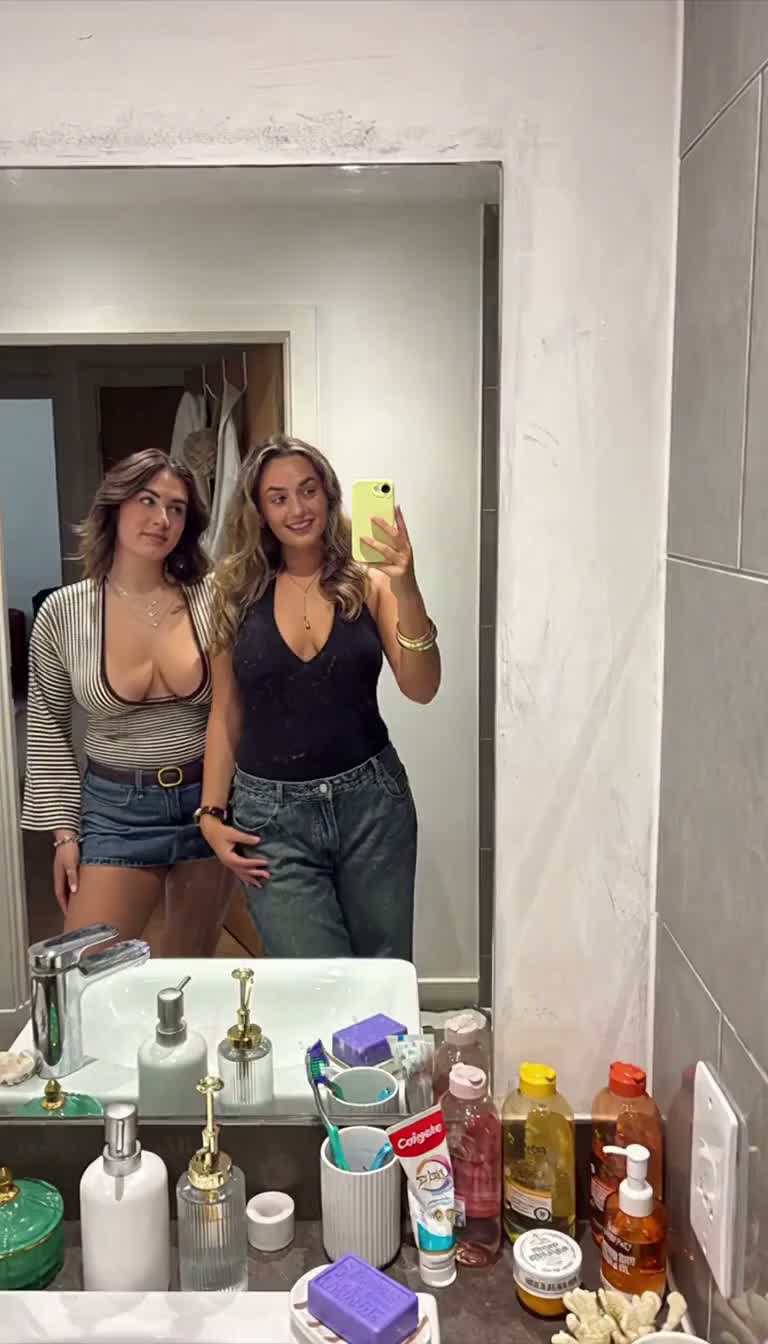 Before the flash
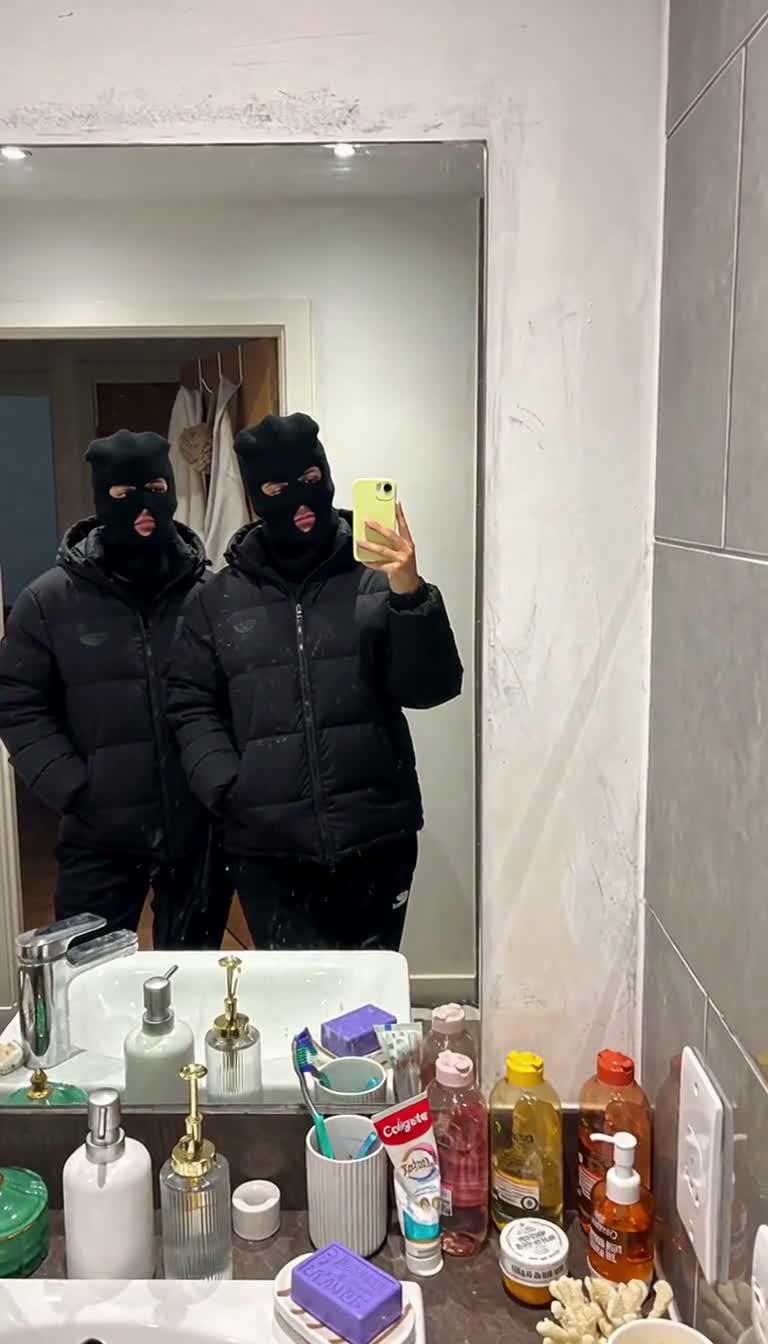 After the flash
Use the upload slots as a casting sheet
Put the first person's single-person photo in Left person and the second person's photo in Right person. Each upload should contain one consenting adult with a clear face. Avoid placing a group image in either slot: the model then has to infer which face you intended.
The server sends the left upload as [Image1] and the right upload as [Image2]. The prompt assigns each reference to a specific subject and asks the model to keep both identities separate throughout the transformation. It cannot guarantee perfect separation in every result.
Mirror selfie: left and right in the mirror
Left person replaces the subject on the left side of the visible mirror composition. Right person replaces the subject on the right, who holds the phone. Follow the positions as you see them in the preview; do not reverse the uploads because a real mirror normally reverses an image.
The uploaded photos provide faces and appearance, not a new bathroom or phone pose. You can take the two portraits independently. Aim for comparable lighting and a face size that remains easy to inspect when the image is reduced.
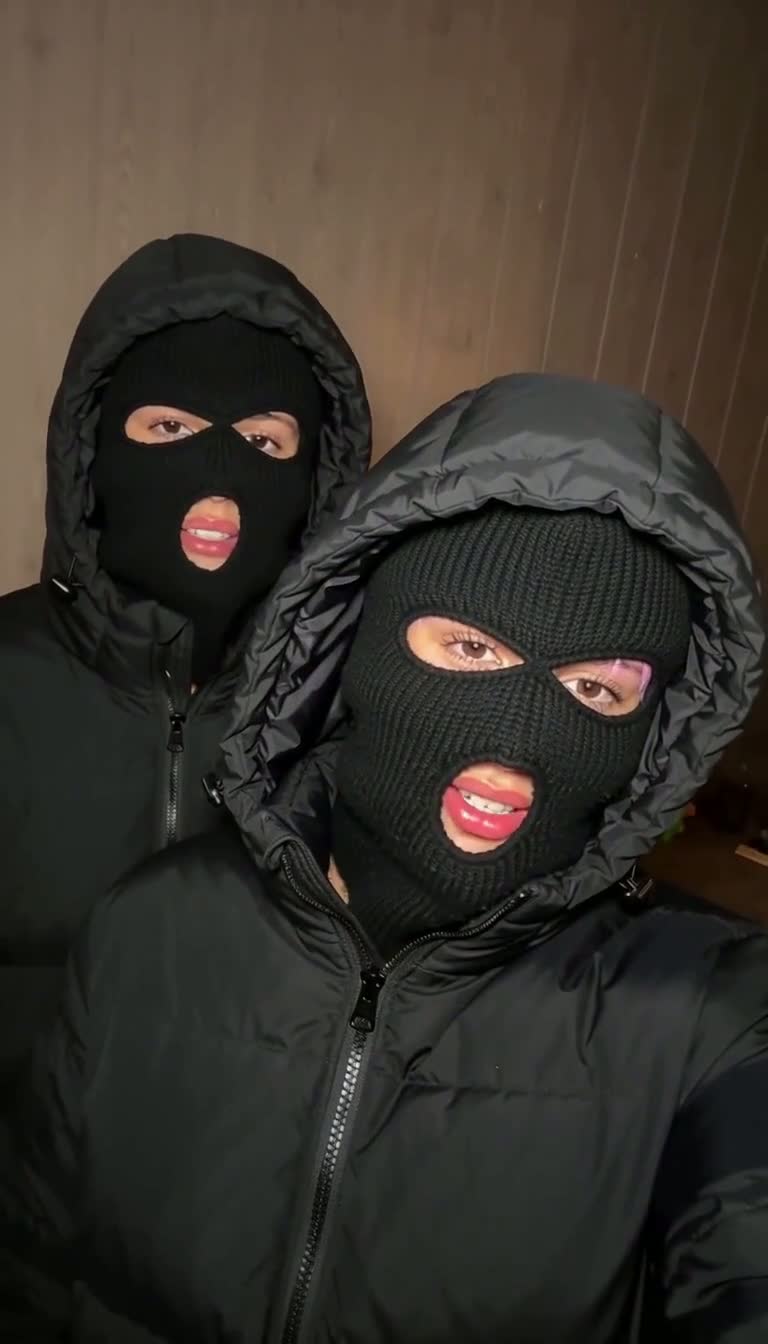
Close-up flash: back left and foreground right
This scene has depth as well as left and right. Left person maps to the subject at the back left. Right person maps to the subject nearer the camera in the foreground on the right. If one friend should get the larger close-up, assign that friend to Right person.
Watch the whole preview before deciding. The final masked cover image is not enough to show the opening pose and the space between the two people. Your two portraits do not need to imitate the source outfits.
A short check before you submit
Check both uploaded thumbnails independently. If the first face is correct but in the wrong slot, replace the uploads before submitting. Confirm the selected template and the permissions checkbox, then check the 10-credit cost shown in the studio.
The reference contains two people, so these templates are intended for exactly two roles. Adding a third face to an upload does not create a three-person version. After generation, check both faces before the flash, both positions after it, and the phone-holding role in the mirror scene.
Watch the reference
Sources & reference material
Generation can change identity, motion and audio. Preview your result before sharing.