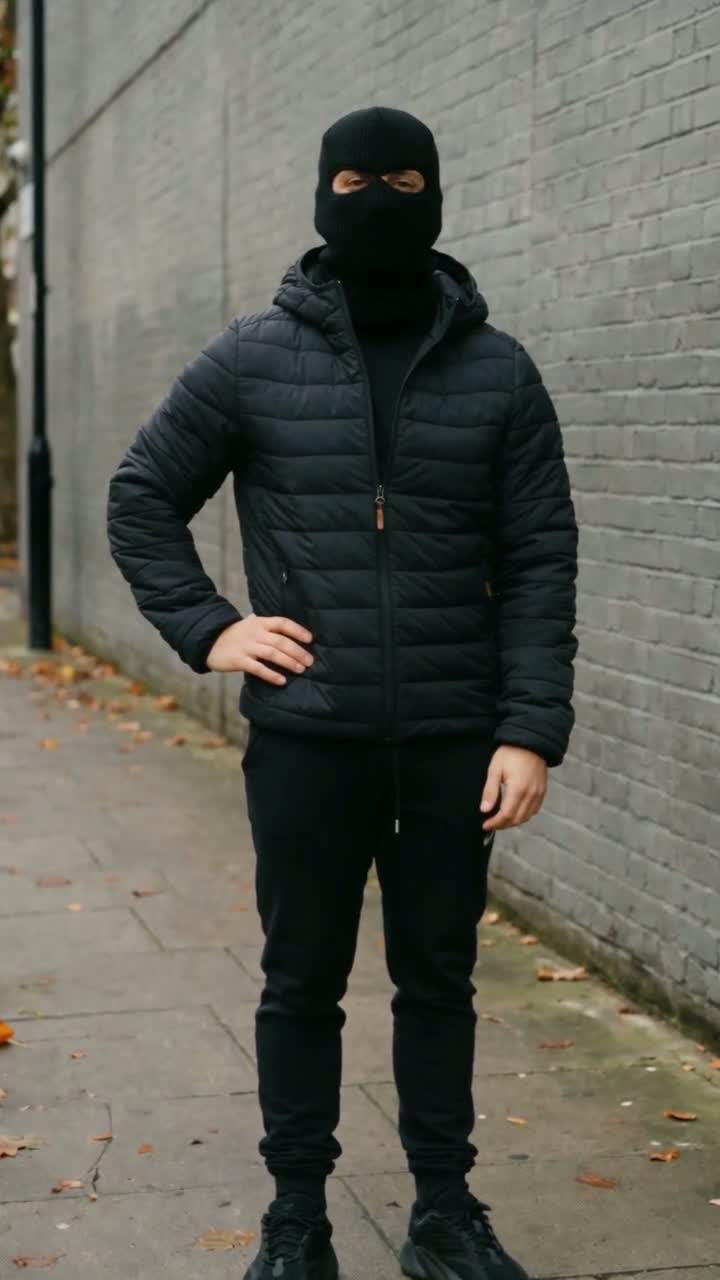
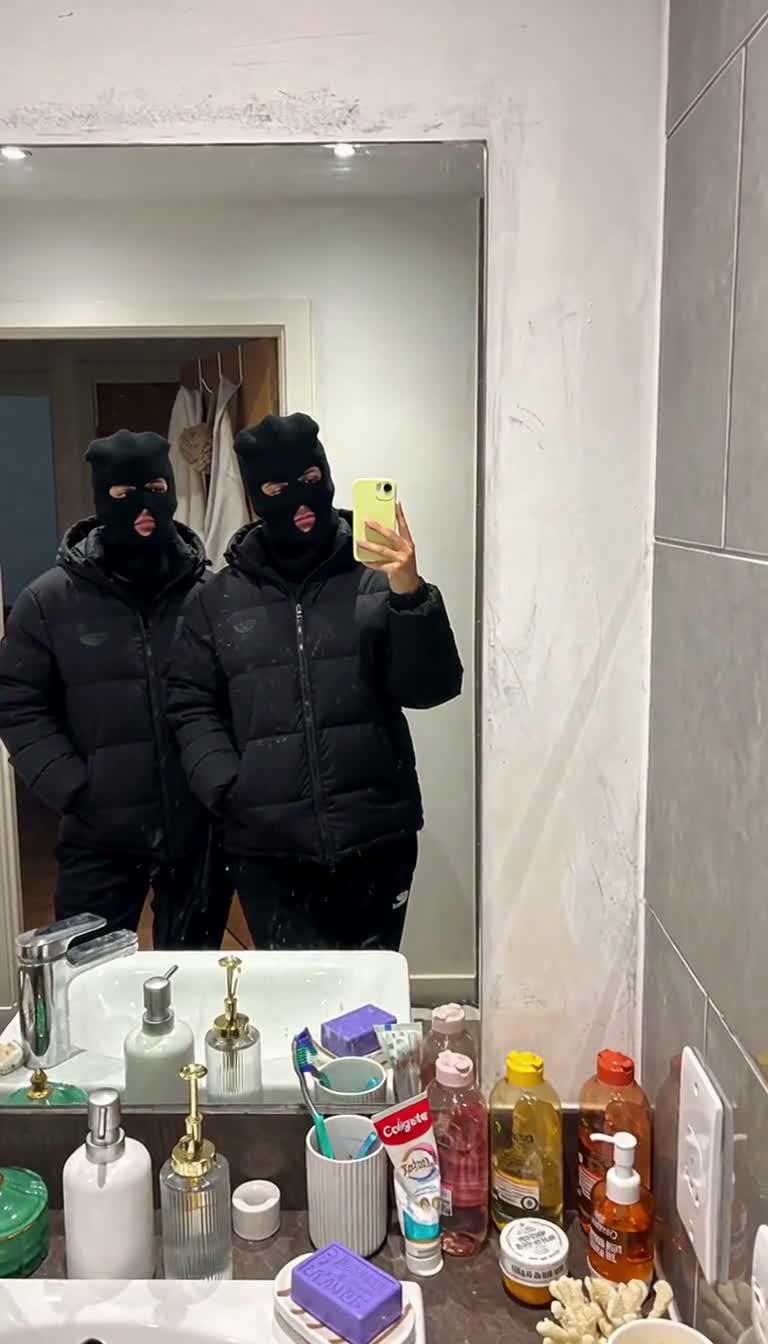
The Mandem notebook
How to make, check and share your Mandem in Disguise AI video
Treat generation and publishing as two separate decisions. First create a video from the correct references. Then check the faces, timing and audio before deciding whether it is ready to share.
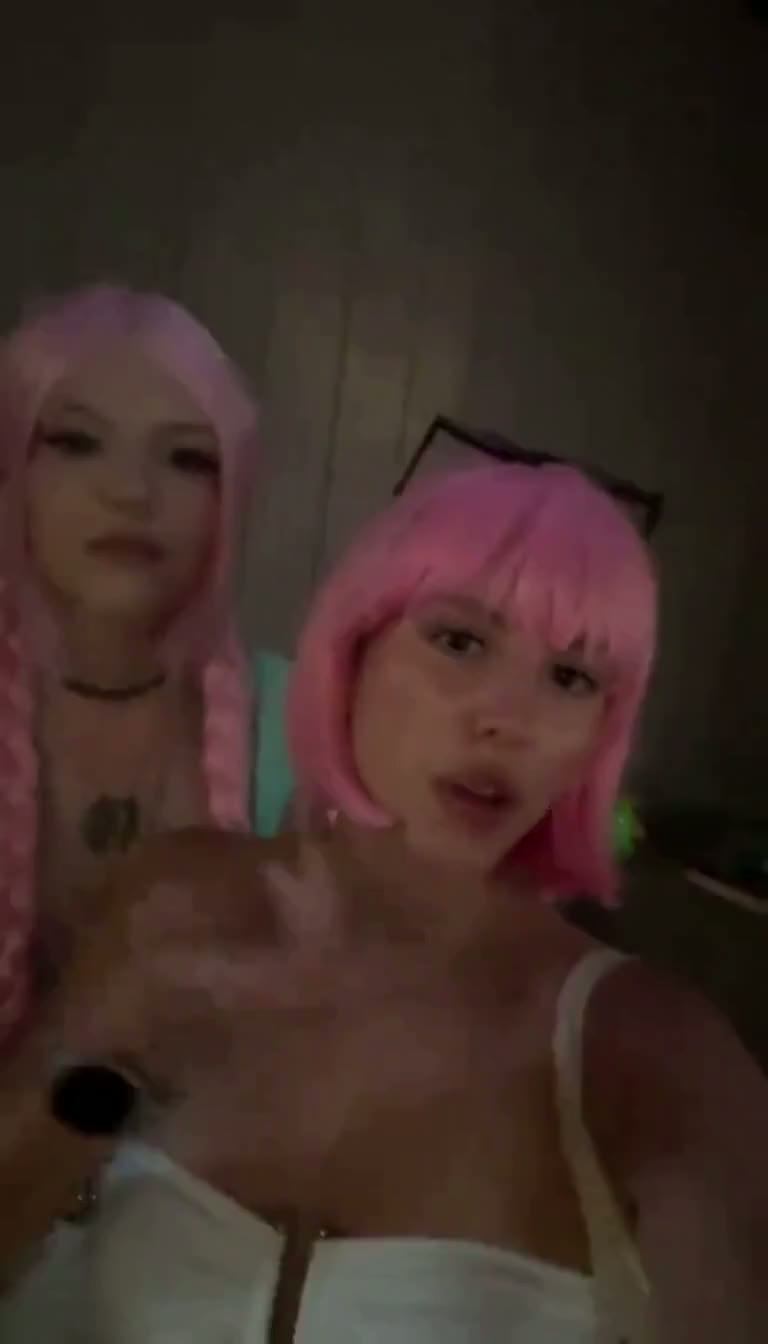 Before the flash
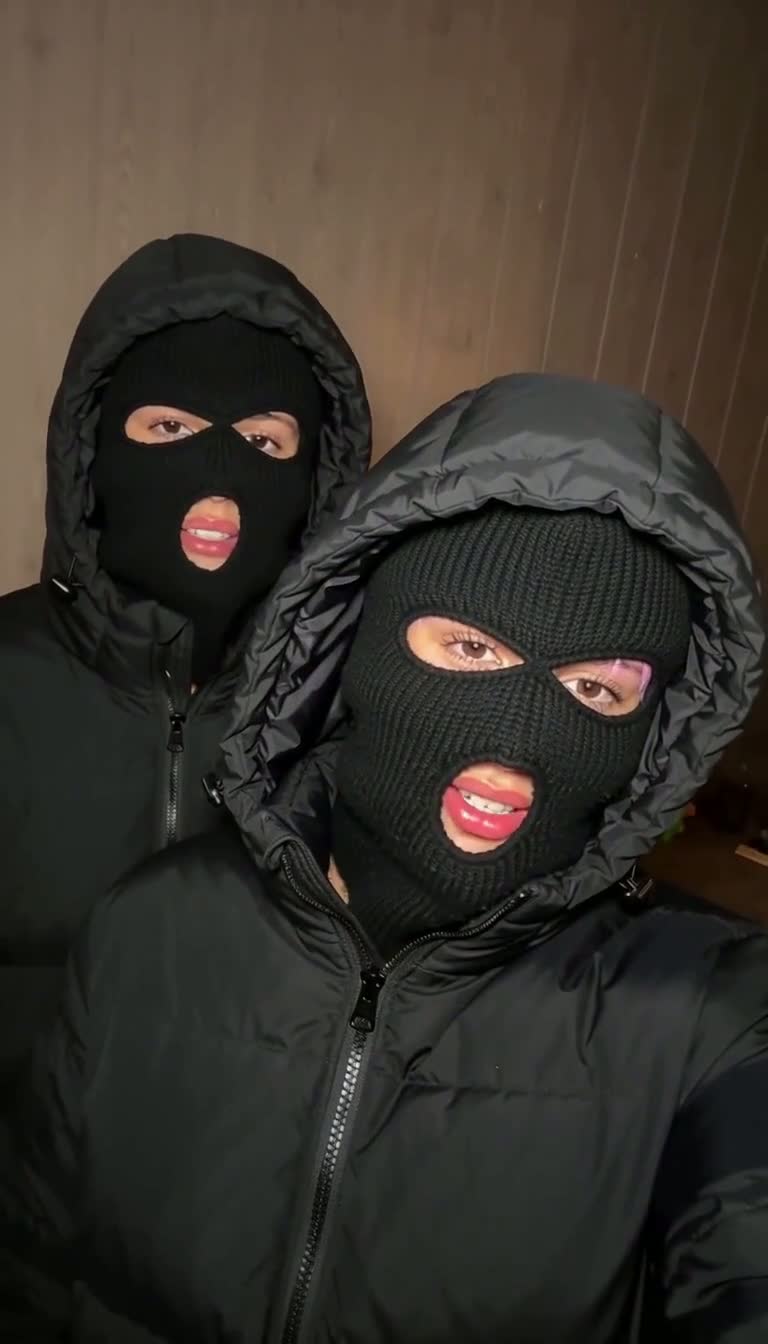 After the flash
Set up the video before buying a pack
Preview Solo, Mirror selfie and Close-up flash, then choose the scene that matches your idea. Solo needs one adult photo; each Duo needs two independent adult portraits. Check the left and right positions and confirm permission from everyone whose photo you use.
Sign in with Google or email and review your balance. Each transformation reserves 10 credits. Our current one-time packs cover 1, 3 or 10 videos at $9.90, $24.99 or $69.99 USD. The checkout total is the amount to review before you pay.
Choose the output and submit once
The studio offers a 10-second vertical 9:16 video with sound, in 480p or 720p. A higher output resolution does not guarantee a better face match; the portraits and reference assignment still matter. Review the complete setup before starting a render.
After submission, keep track of the saved task. If the response is uncertain, check that task rather than sending a new request immediately. A confirmed failed render restores its reserved credits; an unresolved task is not the same as a confirmed failure.
Watch the complete MP4
Check the ordinary opening, not only the balaclava ending. In Duo, compare both identities and make sure their positions remain consistent. Watch the flash transition, hands, phone and jacket edges for visible mistakes, then listen to the audio separately.
Our source previews are examples of the format. They do not promise the same soundtrack or perfect facial consistency in a personalized output. Download the completed MP4 when you are happy with it, and keep the original file before adding captions in another editor.
Disclose the AI edit when you share it
TikTok requires labels for realistic AI-generated media. Check its official help page for the current publishing controls. A short caption such as “AI transformation” can also make the context clear to friends, but it does not replace a platform's required setting.
Avoid captions that imply the scene really happened or that another person endorsed it. Confirm the people pictured are happy with the finished result before posting. We can help you make the format; we cannot promise distribution, audience reaction or a viral result.
Watch the reference
Sources & reference material
Generation can change identity, motion and audio. Preview your result before sharing.