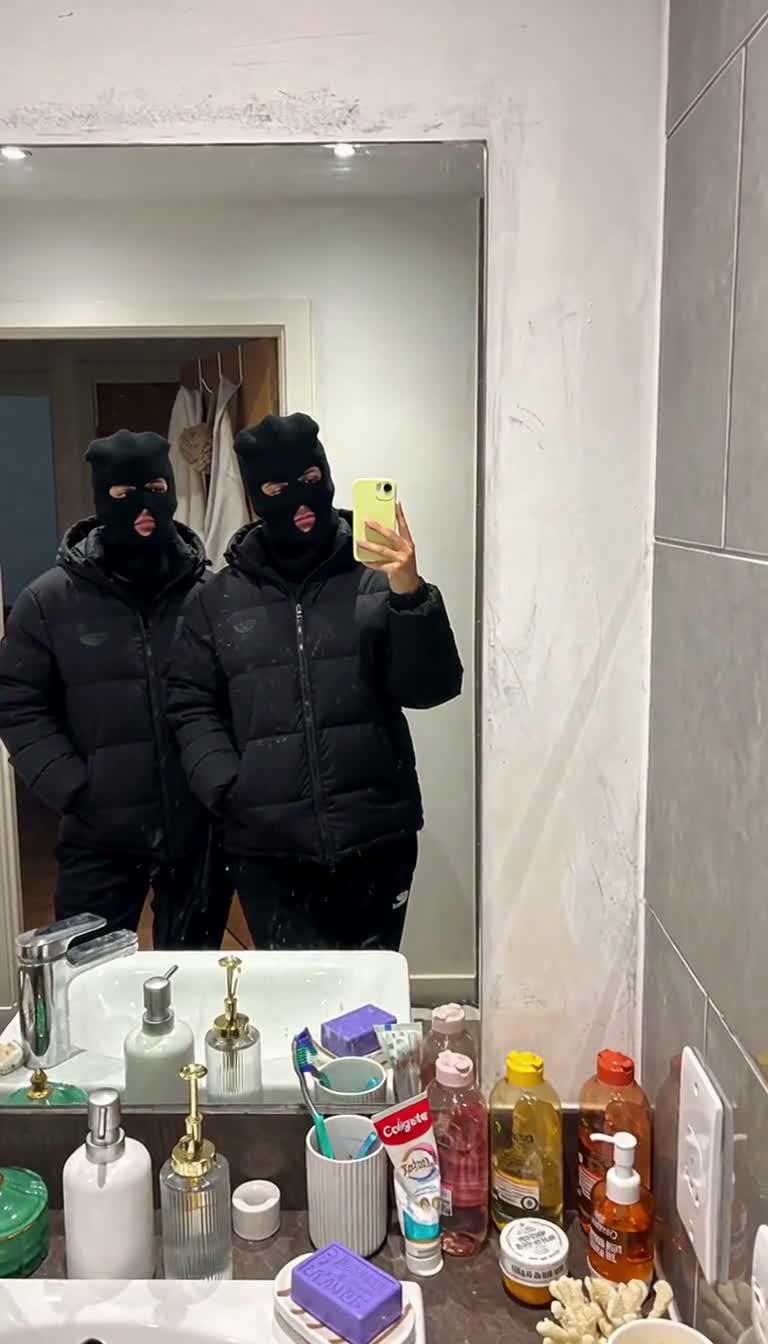
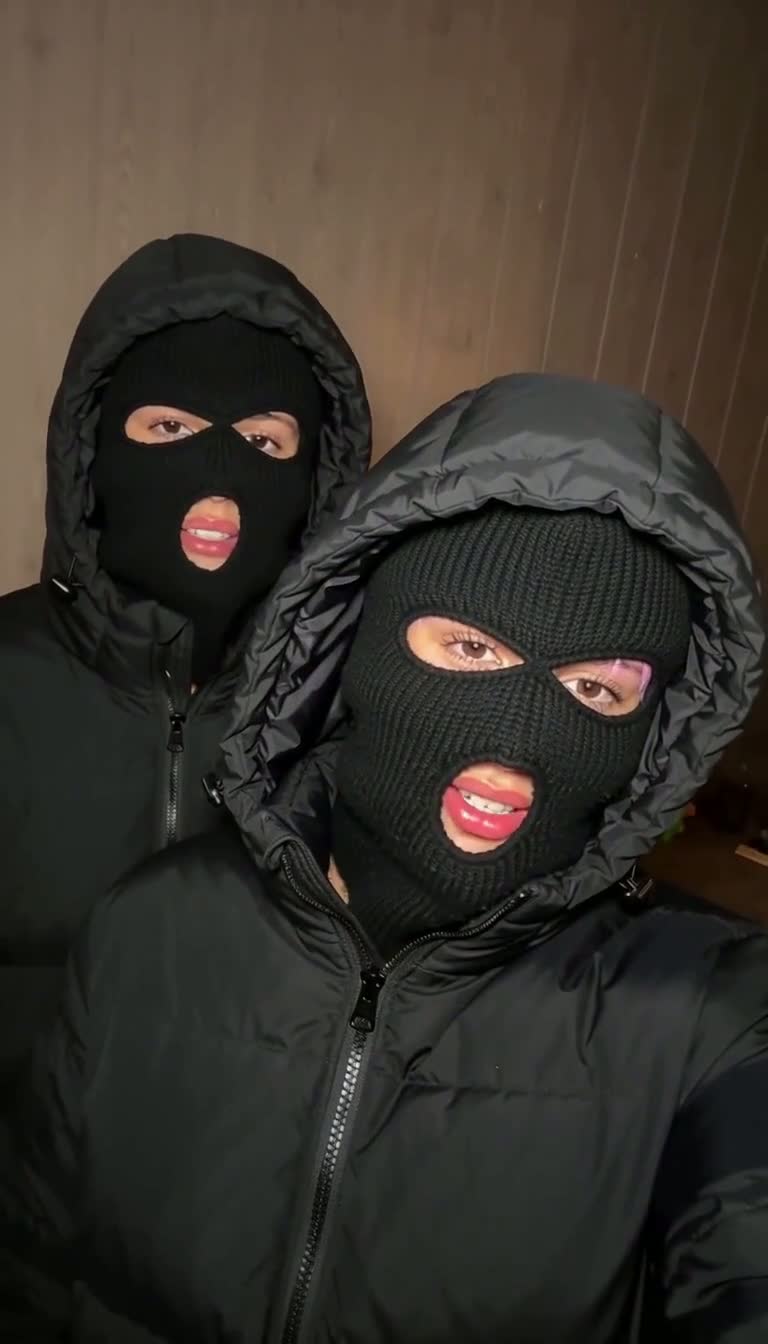
The Mandem notebook
Choosing photos for a Mandem AI transformation: a practical checklist
A stronger input photo does not guarantee a perfect AI video, but it gives the model a clearer identity to work with. Start with what is visible in the image instead of trying to fix every problem with a prompt.
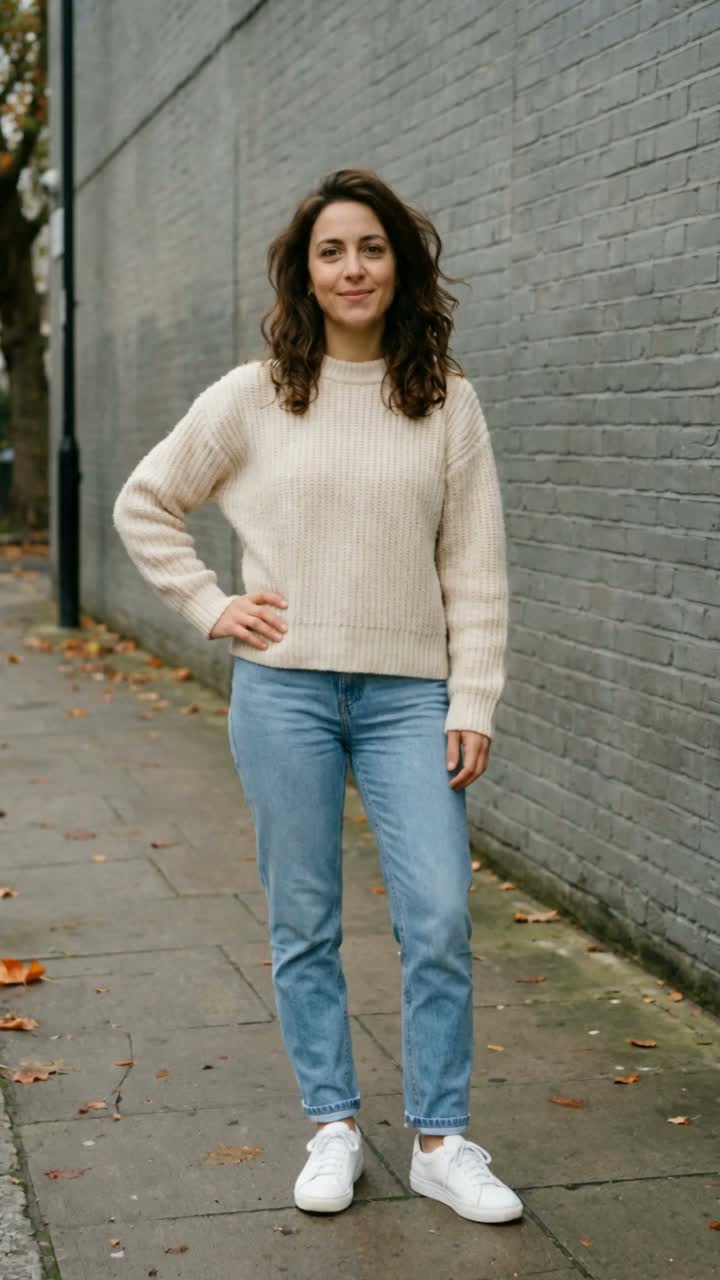 Before the flash
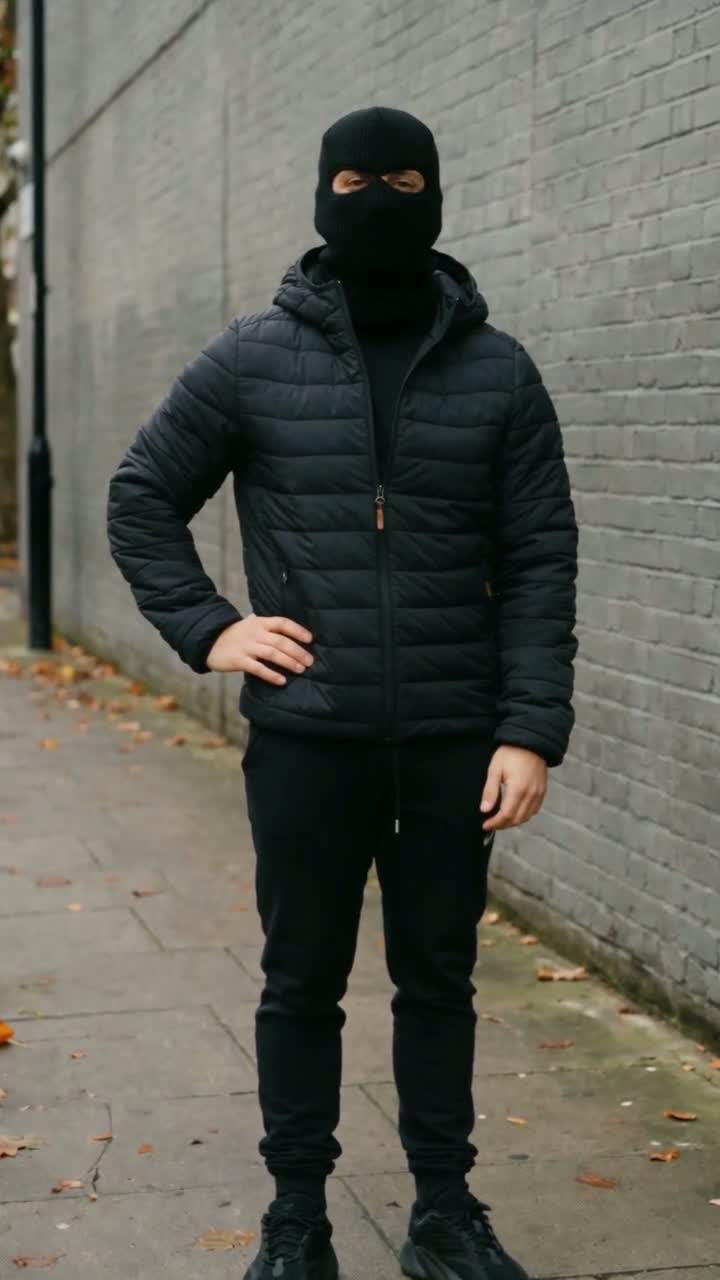 After the flash
Make the face easy to read
Choose a recent, sharp photo where the eyes, nose and jaw are visible. A front-facing or gently turned head is usually easier to judge than a face hidden in a steep side angle. Remove sunglasses and avoid hands, hair or a phone covering the face.
Zoom in on the original image. If you cannot distinguish the eyes at normal viewing size, cropping a tiny face out of a distant group shot will not restore missing detail. A closer photo is a more useful starting point than a heavily enlarged one.
Keep the image natural
Even lighting makes it easier to see facial features. A heavy beauty filter, a hard color cast or a blown-out face changes the appearance you are asking the model to preserve. A straightforward portrait is often more helpful than a dramatic edit.
Leave some room around the head and shoulders; for the solo outfit reveal, full-body or knees-up framing also gives useful proportion information. These are practical selection suggestions, not measured claims about a model's success rate.
For Duo, check each photo separately
Use one adult per image and put each portrait in its assigned left or right slot. The photos can come from different places; a matching background is not required because the selected video provides the scene. Clear identity references matter more than identical backdrops.
Look for a reasonably consistent appearance between the portrait and the result you expect. If two people look very similar in a low-detail thumbnail, use sharper source photos and confirm that you have not accidentally uploaded the same person's image twice.
Prepare the file, then review the result
The studio accepts JPG, PNG and WebP files up to 10 MB per photo. The upload preview is a chance to spot the wrong image or an unreadable crop before creating a task. Uploading a photo alone does not start a paid render.
Once your video is ready, review the opening face, transition, hands, body proportions and any glasses or accessories. If something is wrong, do not present the result as a real recording. Use only adult photos you have the right and permission to use; this studio excludes minors and public figures.
Sources & reference material
Generation can change identity, motion and audio. Preview your result before sharing.